MITRE ATLAS Navigator
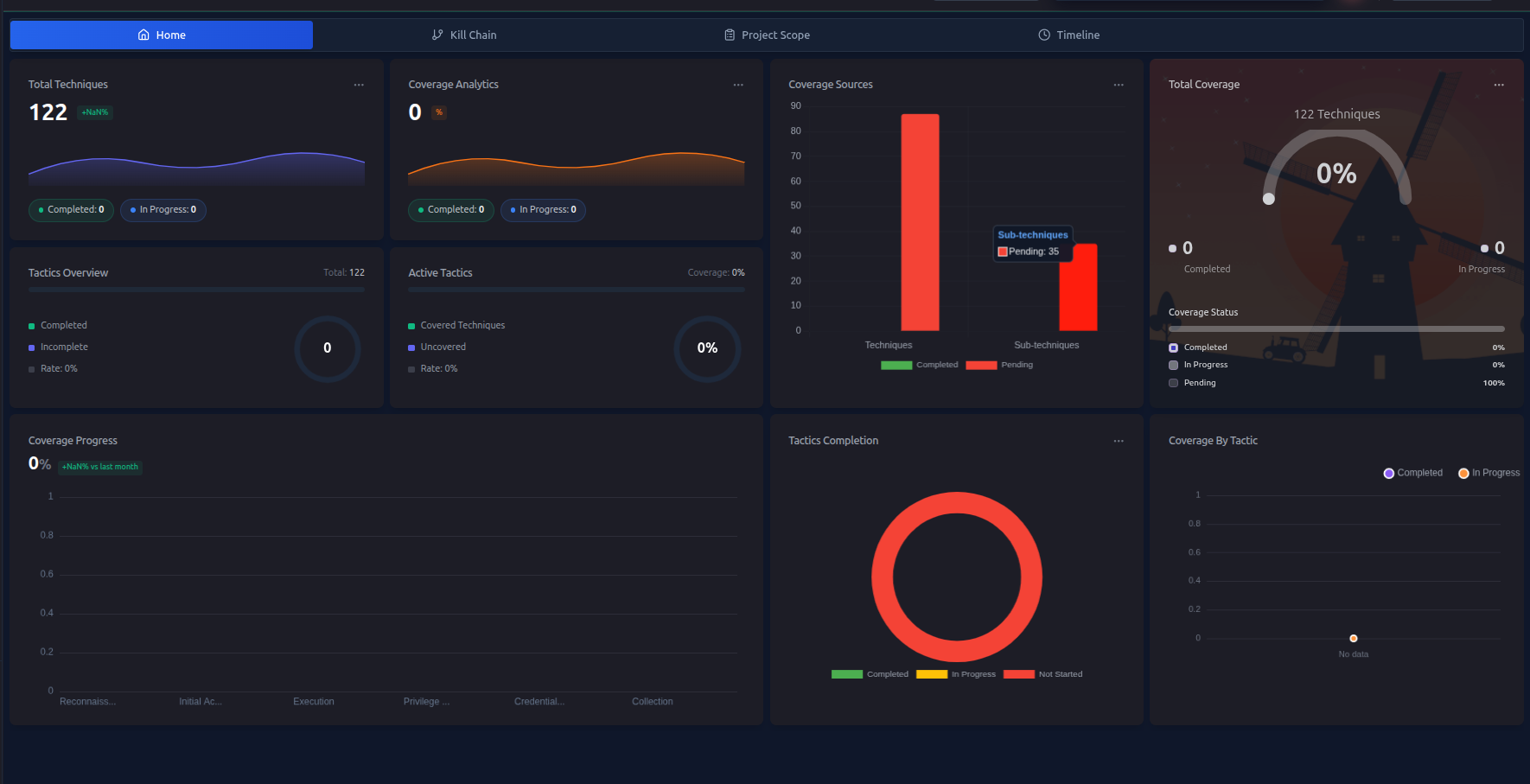
The MITRE ATLAS Navigator works exactly like the ATT&CK Navigator, but it's specifically designed for assessing AI and machine learning systems.
ATLAS (Adversarial Threat Landscape for Artificial-Intelligence Systems) is a knowledge base of adversary tactics and techniques targeting AI/ML — think of it as MITRE ATT&CK, but for AI models, training pipelines, and inference systems.
When to Use the ATLAS Navigator
Use the ATLAS Navigator when your engagement includes:
- AI/ML model endpoints (APIs, inference services)
- Model training pipelines
- Data poisoning scenarios
- AI-powered products or chatbots
- LLM-based systems (prompt injection, jailbreaking)
- Computer vision or NLP systems
If your target doesn't involve AI/ML, you can focus entirely on the ATT&CK Navigator and skip ATLAS.
How It Works
The ATLAS Navigator is identical in structure and behavior to the ATT&CK Navigator:
| Feature | ATT&CK Navigator | ATLAS Navigator |
|---|---|---|
| Technique tracking | Yes | Yes |
| In Scope marking | Yes | Yes |
| Status updates | Yes | Yes |
| Auto-sync with findings | Yes | Yes |
| AI attack plan generation | Yes | Yes (separate plan) |
| Timeline view | Yes | Yes |
| Top tactics coverage | Yes | Yes |
The only difference is the technique library — ATLAS techniques cover AI-specific attack scenarios.
ATLAS Tactic Categories
ATLAS techniques are organized into phases that mirror a typical attack against an AI system:
| Tactic | Description |
|---|---|
| Reconnaissance | Gathering information about the AI system |
| Resource Development | Acquiring datasets, models, or infrastructure |
| ML Attack Staging | Preparing adversarial inputs or poisoned data |
| Initial Access | Gaining access to the AI system |
| ML Model Access | Querying or accessing model functionality |
| Execution | Running adversarial inputs against the model |
| Persistence | Maintaining access to the AI system |
| Defense Evasion | Avoiding detection by AI-based defenses |
| Exfiltration | Stealing model parameters or training data |
| Impact | Degrading model performance or manipulating outputs |
Using the ATLAS Navigator
The workflow is the same as the ATT&CK Navigator:
- Define scope — use AI Scope Suggestions to mark relevant techniques
- Generate a plan — use AI Attack Planning to get an ATLAS-specific plan
- Track progress — mark techniques as in-progress or completed
- Record findings — findings auto-sync status back to the navigator
Generating an ATLAS Attack Plan
RTF can generate a separate AI attack plan specifically for your ATLAS engagement:
- Go to AI Features → Attack Planning
- Select MITRE ATLAS as the attack profile
- Describe your AI/ML target
- Click Generate Plan
The plan will include ATLAS-specific techniques mapped to your target's AI components.
Running AI/ML Scans
RTF also includes an automated AI/ML Model Scanning feature that actively tests AI systems using ATLAS techniques. This is separate from the navigator but the results can feed into your ATLAS findings.
See AI/ML Model Scanning → for details.
Findings and ATLAS
When you create a finding for an ATLAS technique:
- Set Attack Profile to
MITRE ATLASwhen creating the finding - Select the relevant ATLAS technique path
- The finding auto-syncs to the ATLAS Navigator (not the ATT&CK Navigator)
Next Steps
- AI Scope Suggestions → — define your ATLAS scope
- AI Attack Planning → — generate an ATLAS plan
- AI/ML Model Scanning → — run automated scans